The Scale Problem: Why Manual SEO Can't Keep Up
A typical mid-market website has between 500 and 5,000 pages. Each page has a title tag, meta description, canonical URL, heading structure, internal links, images with alt text, schema markup, and dozens of other elements that affect search rankings. That's tens of thousands of SEO signals across your site — and every one of them can break.
New pages get published without meta descriptions. Redesigns break internal links. CMS updates change URL structures. Product pages go out of stock and start returning 404s. Content gets stale. Competitors publish better articles and your rankings slip.
An SEO team doing manual audits might catch these issues on a monthly or quarterly cadence. By then, the damage is done — you've lost rankings, traffic, and revenue. The gap between "when something breaks" and "when someone fixes it" is where SEO value leaks out of your site.
The average enterprise website accumulates 50-100 new SEO issues per week. Manual teams catch about 20% of them within the first month.
How AI Agents Find Issues Continuously
Unlike scheduled audits that run weekly or monthly, AI agents monitor your site continuously. They crawl pages, check links, validate metadata, and compare your content against competitors in real time. When something changes — or breaks — they detect it within hours, not weeks.
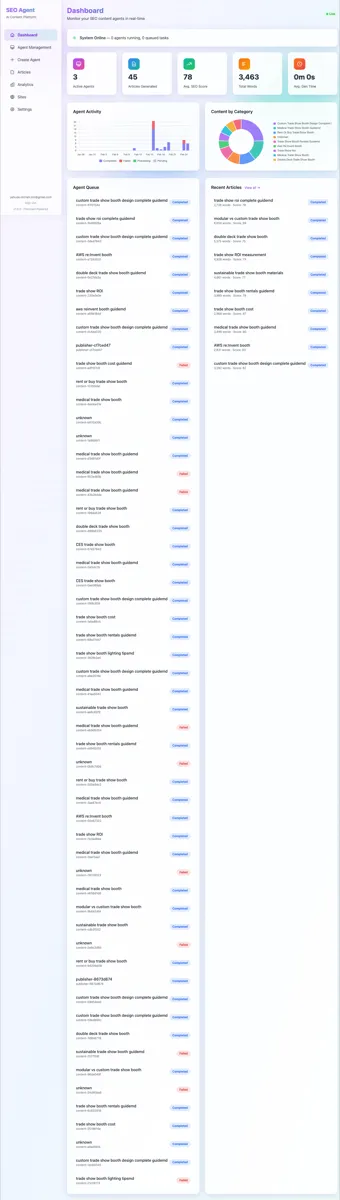
Our agents scan across seven categories of SEO issues, each requiring different detection methods and fix strategies:
- 1Broken links and redirects — Crawl every internal and external link, detect 404s, redirect chains, and redirect loops. Agents check links against a live database updated hourly.
- 2Missing or poor metadata — Scan every page for title tags, meta descriptions, Open Graph tags, and Twitter cards. Flag pages where metadata is missing, duplicated, too long, or too short.
- 3Heading structure issues — Validate H1-H6 hierarchy, detect missing H1 tags, multiple H1s, and skipped heading levels that confuse search engines.
- 4Image optimization gaps — Find images without alt text, oversized images hurting Core Web Vitals, and missing lazy loading attributes.
- 5Schema markup errors — Validate JSON-LD structured data against Google's requirements, detect missing schemas for articles, products, FAQs, and local business pages.
- 6Content quality decay — Monitor keyword rankings and flag pages losing positions. Compare content depth and freshness against competing pages.
- 7Technical performance — Track Core Web Vitals (LCP, FID, CLS), identify slow pages, and detect render-blocking resources.
The Prioritization Engine: Impact Scoring
Finding 500 issues is useless if you fix them in the wrong order. Not all SEO issues are equal — a broken link on your homepage matters more than a missing alt tag on a blog post from 2019. That's why our agents use an impact scoring system to prioritize every fix.
Each issue gets scored on three dimensions:
- Traffic impact — How much organic traffic does the affected page receive? Issues on high-traffic pages get priority.
- Severity — Is this a critical error (broken page, missing canonical) or a minor optimization (slightly long title tag)?
- Fix complexity — Can the agent fix this autonomously, or does it need human review? Simple fixes get deployed immediately; complex ones get queued for approval.
This scoring system means agents focus their effort where it matters most. A broken internal link on a page getting 10,000 monthly visits gets fixed before a missing alt tag on a page getting 50.
From Detection to Deployment: The Fix Workflow
Once an issue is detected and prioritized, the agent follows a structured workflow to fix it. Here's what happens when an agent finds a broken internal link on a key landing page:
- 1Detection — The agent's crawler finds a 404 response on an internal link from your pricing page.
- 2Analysis — It checks the link target: was the page deleted, moved, or renamed? It searches for the most likely replacement URL.
- 3Fix generation — The agent generates the corrected link, pointing to the right destination page.
- 4Validation — Before deploying, it verifies the replacement URL returns a 200 status and the anchor text still makes sense in context.
- 5Deployment — The fix is pushed to your CMS via API. For WordPress sites, this means updating the post content directly through the REST API.
- 6Verification — After deployment, the agent re-crawls the page to confirm the fix is live and the link works correctly.
This entire workflow happens in minutes, not days. And it runs for every single issue the agent detects — 500+ times per month on a typical site.
Real Results: Fix Breakdown by Category
Across our customer base, here's the typical monthly breakdown of automated fixes for a site with 1,000+ pages:
These aren't theoretical improvements. Each fix is deployed, verified, and tracked. You can see every change in your dashboard with before/after comparisons.
Case Example: A 2,000-Page E-Commerce Site
To illustrate how these numbers play out in practice, consider a mid-size e-commerce company — let's call them ShopNova — running a Shopify-based store with roughly 2,000 product pages, 150 category pages, and a 200-article blog. Their SEO team consisted of one in-house specialist and a freelance consultant brought in quarterly. Before deploying AI agents, they ran manual audits every 90 days. The backlog of known issues never dropped below 300.
Week 1: Discovery
When agents first crawled ShopNova's site, they uncovered 487 issues across all seven categories. The breakdown was telling: 85 broken internal links (mostly from discontinued products still linked in blog posts), 340 product pages with missing or duplicate meta descriptions, 47 product images without alt text, 12 redirect chains created during a URL migration six months earlier, and 3 orphaned category pages with zero internal links pointing to them.
The in-house SEO specialist had been aware of "some broken links and metadata gaps" but had no idea the scale was this large. The quarterly agency audit three months prior had flagged just 62 issues — roughly 13% of the actual total. The rest had accumulated silently between audits.
Weeks 2-4: Automated Fixes
Agents began working through the issue backlog in priority order. Broken links on high-traffic product pages were fixed first — the agent identified the correct replacement URLs (usually the next-generation product or a relevant category page) and deployed the updated links through the CMS API. The 12 redirect chains were consolidated into direct redirects within the first three days, immediately improving crawl efficiency.
Metadata was the biggest category by volume. The agent generated unique, keyword-optimized meta descriptions for all 340 product pages, processing roughly 80 pages per day. Each description was tailored to the specific product attributes — size, material, price range, and primary use case — rather than using a generic template. The 47 images missing alt text received descriptive, keyword-appropriate alternatives based on the product title and surrounding content.
By the end of week four, 461 of the original 487 issues were resolved. The remaining 26 required human review — primarily content-level decisions about whether to merge or redirect discontinued product pages that still received organic traffic.
Month 2: Ranking Improvements
The first measurable ranking improvements appeared in month two. Pages with newly optimized metadata saw an average CTR increase of 18% in Google Search Console. The consolidated redirect chains improved crawl budget allocation, and Google began indexing 23 previously orphaned pages that now had proper internal link support. ShopNova's average position for their top 50 target keywords improved from 14.2 to 11.8 — a meaningful shift that moved several product pages from page two to page one. For a deeper look at how technical SEO fixes drive these improvements, see our documentation.
Month 3: Traffic Impact
By month three, ShopNova's organic traffic was up 31% compared to the same period the previous year — a period when traffic had been flat or declining. The product pages with updated metadata accounted for roughly 60% of the traffic increase. The remaining 40% came from previously orphaned or poorly linked pages that were now discoverable by both search engines and users.
Most importantly, the issue count stayed low. Instead of accumulating 50-100 new issues per week, agents caught and resolved new issues within hours of their appearance. When ShopNova launched 120 new spring products in a single week, agents had every page fully optimized — metadata, alt text, internal links, schema markup — within 24 hours of publication.
ShopNova summary: 487 issues found → 461 auto-fixed in 4 weeks → 31% organic traffic increase by month 3. Ongoing maintenance keeps issue count near zero with no manual intervention.
Measuring ROI: Fix Value by Category
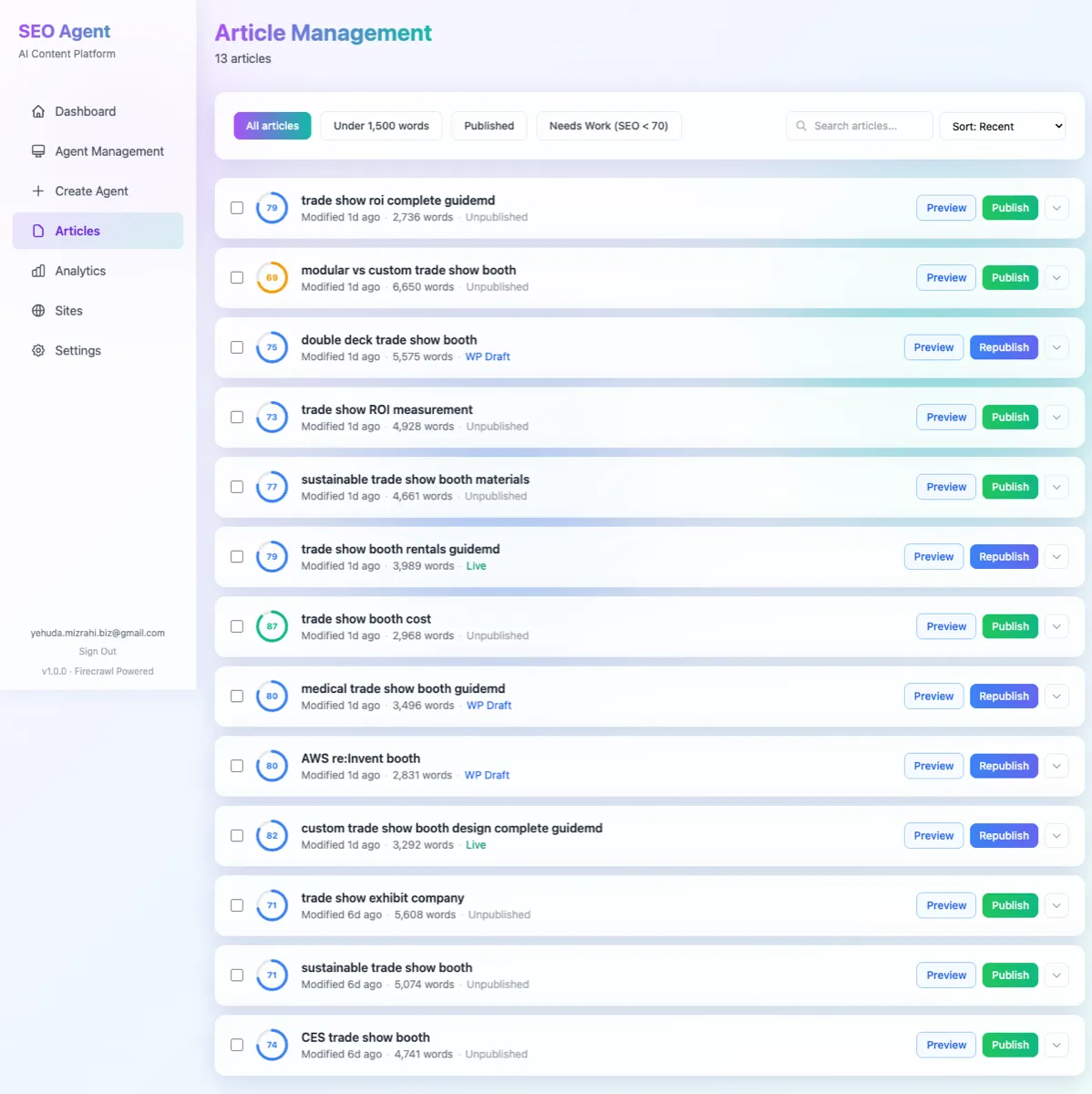
Not all SEO fixes deliver equal value. Understanding the return on investment for each category of fix helps you appreciate why volume matters — and why automating these tasks is so impactful. Based on aggregated data across our customer base, here's what each fix category is worth:
Broken link repair
Each broken internal link represents a dead end for both users and search engine crawlers. When a user clicks a broken link, they're likely to leave your site — increasing bounce rate and reducing pages per session. When Googlebot encounters a broken link, it wastes crawl budget and may devalue the linking page. Our data shows that each repaired broken link on a page receiving organic traffic prevents approximately $200 per month in lost traffic value. For a site fixing 180+ broken links monthly, that's $36,000 in preserved traffic value — every single month.
Metadata optimization
Title tags and meta descriptions are your listing's "ad copy" in search results. Pages with optimized, unique metadata see click-through rate improvements of 15-30% compared to pages with missing, duplicated, or poorly written metadata. For a page ranking in positions 4-7 for a keyword with 5,000 monthly searches, a 20% CTR improvement translates to roughly 100 additional clicks per month. At an average conversion rate of 2% and an average order value of $80, that's $160 per month in additional revenue — from a single page.
Schema markup
Proper JSON-LD structured data increases your chances of appearing in rich snippets — star ratings, FAQ dropdowns, product pricing, and event details that make your listing stand out in search results. Pages with valid schema markup see a 40% increase in rich snippet appearance compared to pages without it. Rich snippets, in turn, drive 20-30% higher CTR than standard listings. For product pages and FAQ content, schema markup is one of the highest-ROI fixes available.
Core Web Vitals improvements
Google's Core Web Vitals — Largest Contentful Paint (LCP), Interaction to Next Paint (INP), and Cumulative Layout Shift (CLS) — directly affect rankings and user experience. Pages that move from "needs improvement" to "good" CWV status see bounce rate reductions of approximately 20%. For an e-commerce site receiving 50,000 monthly organic visits, a 20% bounce rate reduction means 10,000 additional engaged sessions per month — many of which convert to revenue.
When you combine these categories, the aggregate ROI becomes clear. A site deploying 500+ fixes per month isn't just "tidying up" — it's systematically capturing revenue that would otherwise leak away through technical debt. The case studies in our library show this pattern repeating across industries from e-commerce to SaaS to publishing.
Frequently Asked Questions
How quickly do agents start finding issues?
Most agents complete their first full-site crawl within 24-48 hours of connecting your site, depending on the number of pages. For a 1,000-page site, the initial crawl typically finishes in under 12 hours. You'll start seeing issues reported in your dashboard within the first few hours as the agent works through your site's pages. Priority issues — broken links on high-traffic pages, missing canonical tags, critical schema errors — surface first because the agent begins with your most important pages (determined by traffic data from Google Search Console integration).
Can agents fix issues on any CMS?
AI agents currently support WordPress (including WooCommerce, Elementor, and Rank Math), Shopify, and any CMS with a REST API for content management. WordPress is the most deeply integrated platform, supporting direct content updates, metadata changes, Elementor layout modifications, and Rank Math SEO field optimization. For Shopify and API-based CMS platforms, agents handle metadata, redirect management, and content updates through the respective APIs. If your CMS doesn't have an API, agents can still detect and report issues — you'd just deploy fixes manually.
What if I want to review fixes before deployment?
Every plan includes approval controls. You can configure agents to auto-deploy low-risk fixes (like adding missing alt text or consolidating redirect chains) while routing higher-impact changes (like title tag rewrites or content modifications) through a review queue. In your dashboard, queued fixes show the current state, proposed change, and expected impact score. You can approve, modify, or reject each fix individually. Most customers start with full review mode enabled, then gradually expand auto-deploy permissions as they build confidence in the agent's decisions.
How do you handle pages behind login walls?
Agents respect your site's access controls. Pages that require authentication (member-only content, gated resources, admin pages) are excluded from crawling by default. If you want agents to audit and optimize authenticated pages — such as a customer portal or knowledge base — you can provide scoped credentials with read-only access. The agent uses these credentials only for crawling and never stores page content beyond what's needed for analysis. All credentials are encrypted at rest using AWS KMS and transmitted exclusively over HTTPS.
Do agents affect my site's load time?
No. Agents crawl your site using the same protocols as search engine bots, respecting your robots.txt rules and crawl rate settings. The default crawl rate is conservative — approximately 2 requests per second — which is well below the threshold that would affect site performance. For high-traffic sites with strict performance requirements, you can set custom crawl rate limits. Agents also use caching to avoid re-fetching unchanged pages, reducing total requests over time. The fixes agents deploy (metadata updates, link repairs, schema additions) add negligible weight to your pages.
What's the difference between agent fixes and manual SEO tools?
Traditional SEO tools like Screaming Frog, Ahrefs, and Semrush are excellent at finding issues. They generate reports showing what's wrong. But they stop there — you still need a human to prioritize, plan, implement, and verify each fix. AI agents close that gap by handling the entire workflow: detection, prioritization, fix generation, deployment, and verification. Think of it this way: SEO tools are diagnostic instruments (like an MRI), while AI agents are the treatment (like a surgeon). You can read more about how agents compare to manual workflows in our detailed breakdown of seven common SEO tasks.
What Agents Don't Replace
AI agents excel at finding and fixing technical issues at scale. But there are areas where human expertise is still essential:
- SEO strategy — Deciding which keywords to target, which markets to enter, and how SEO fits into your broader marketing plan.
- Creative content — Writing brand stories, thought leadership pieces, and content that requires deep industry expertise.
- Stakeholder alignment — Getting buy-in from engineering, product, and leadership teams on SEO priorities.
- Link building relationships — Building genuine partnerships for backlinks requires human relationship skills.
The best results come from combining AI agents for execution with human strategists for direction. Agents handle the 80% of SEO work that's repetitive and technical. Humans handle the 20% that requires creativity and judgment. Many companies find the ideal balance is pairing agents with a fractional consultant — as one B2B company discovered when they replaced their $10K/month agency with $49/month agents.
Getting Started
If you're spending hours on manual SEO tasks every week, AI agents can take that off your plate. Our Starter plan includes continuous monitoring, automated fixes, and a dashboard to track every change. Getting connected takes less than five minutes — see our setup guide to learn how.
See how many issues AI agents can find on your site — free audit in 24 hours.
Run Free Audit